Visuals
Smearing and anti-aliasing: a sharp drift
On this page
Temporal anti-aliasing (TSR or TAA) blends several frames into one. That smears the fast sideways motion of a drift: the Kart, its sparks and the road markings.
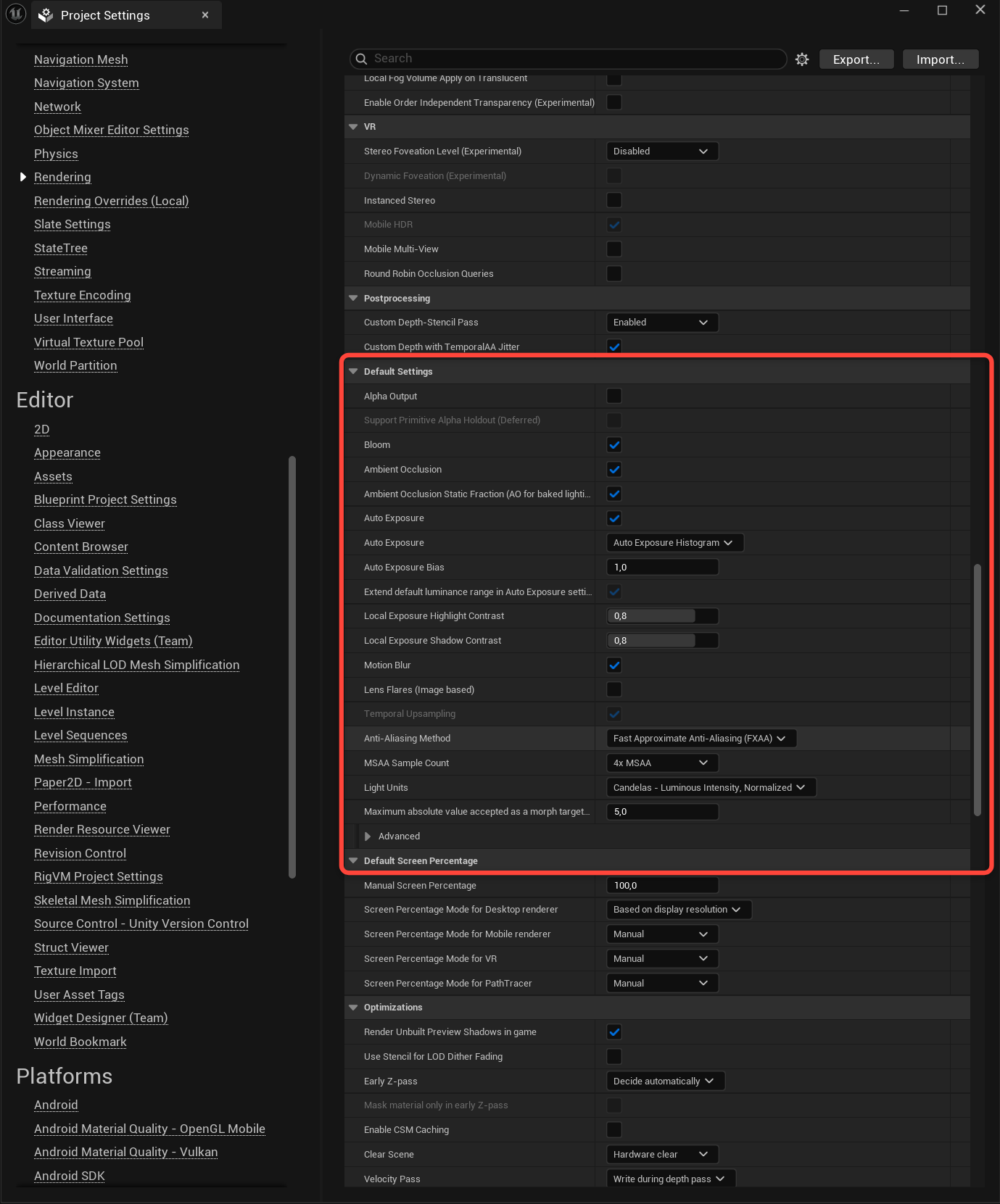
Use FXAA
In Project Settings > Rendering > Default Settings, set Anti-Aliasing Method to something other than TSR or TAA, like FXAA. The example project already uses FXAA.
Compare
Next steps
- Visual smoothing: smooth wheels and lean at high framerates.
Not using the plugin yet? Get it on Fab.