Racing
Race Game Mode: grid, countdown and results
New in 1.1
On this page
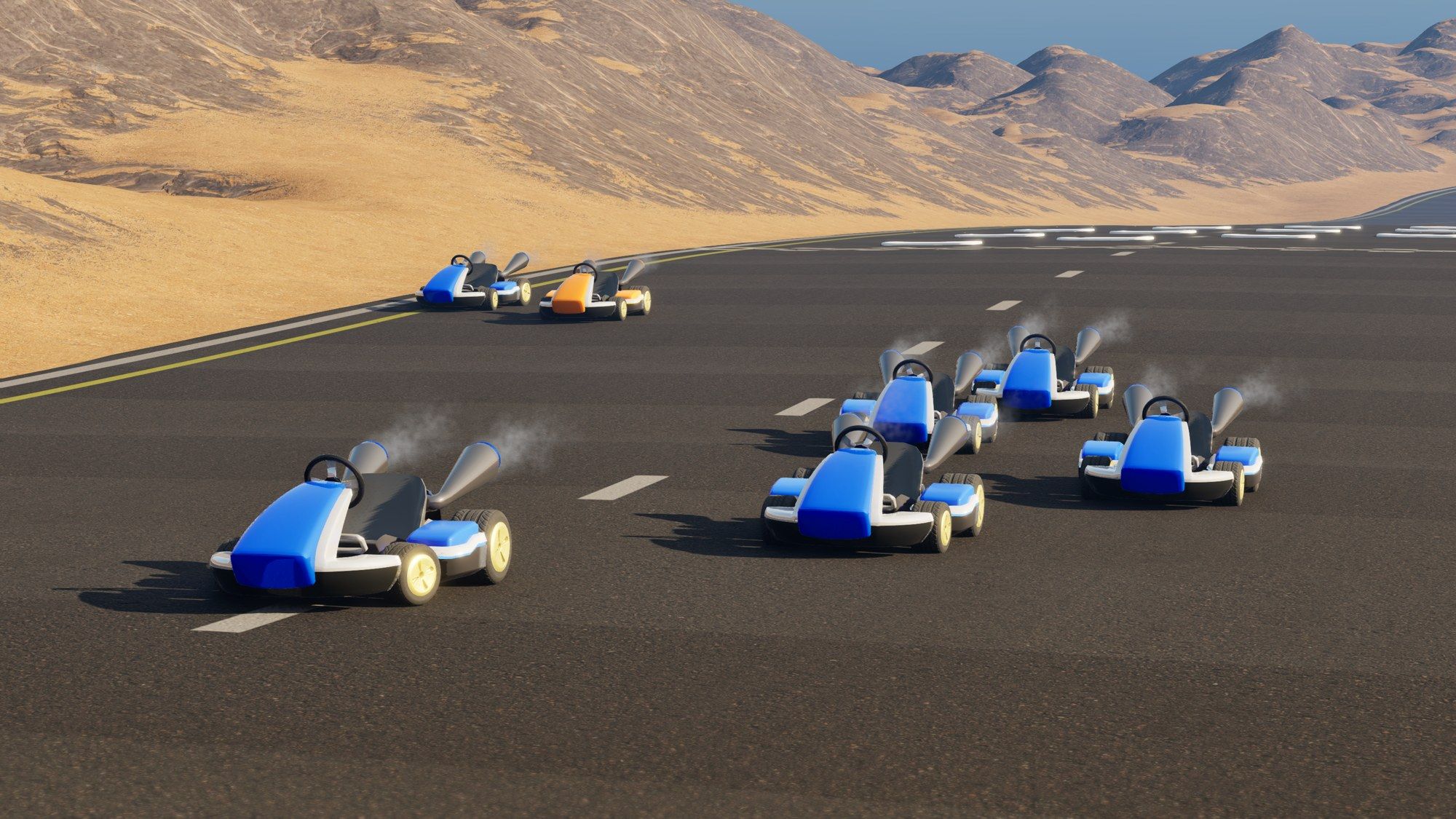
The plugin comes with an optional race on top of the race track: Kart Race Game Mode and Kart Race Game State. Together they handle:
- spawning players on the start grid, in join order
- the AI opponents on the grid slots after the players
- the countdown
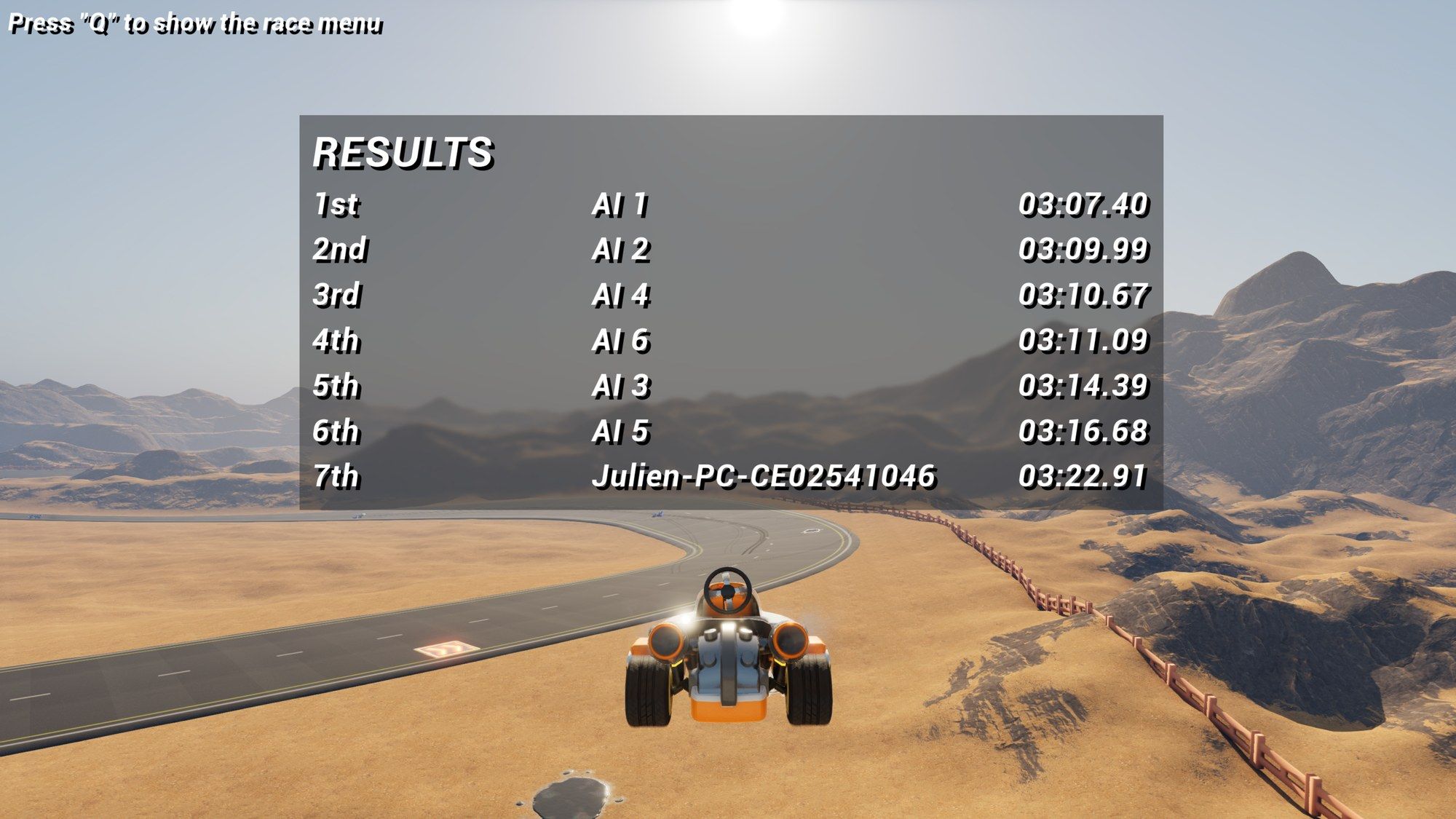
- the finish order and the results
You don’t have to use them. The race track works with your own GameMode too: it tracks laps and positions either way.
Set up a race
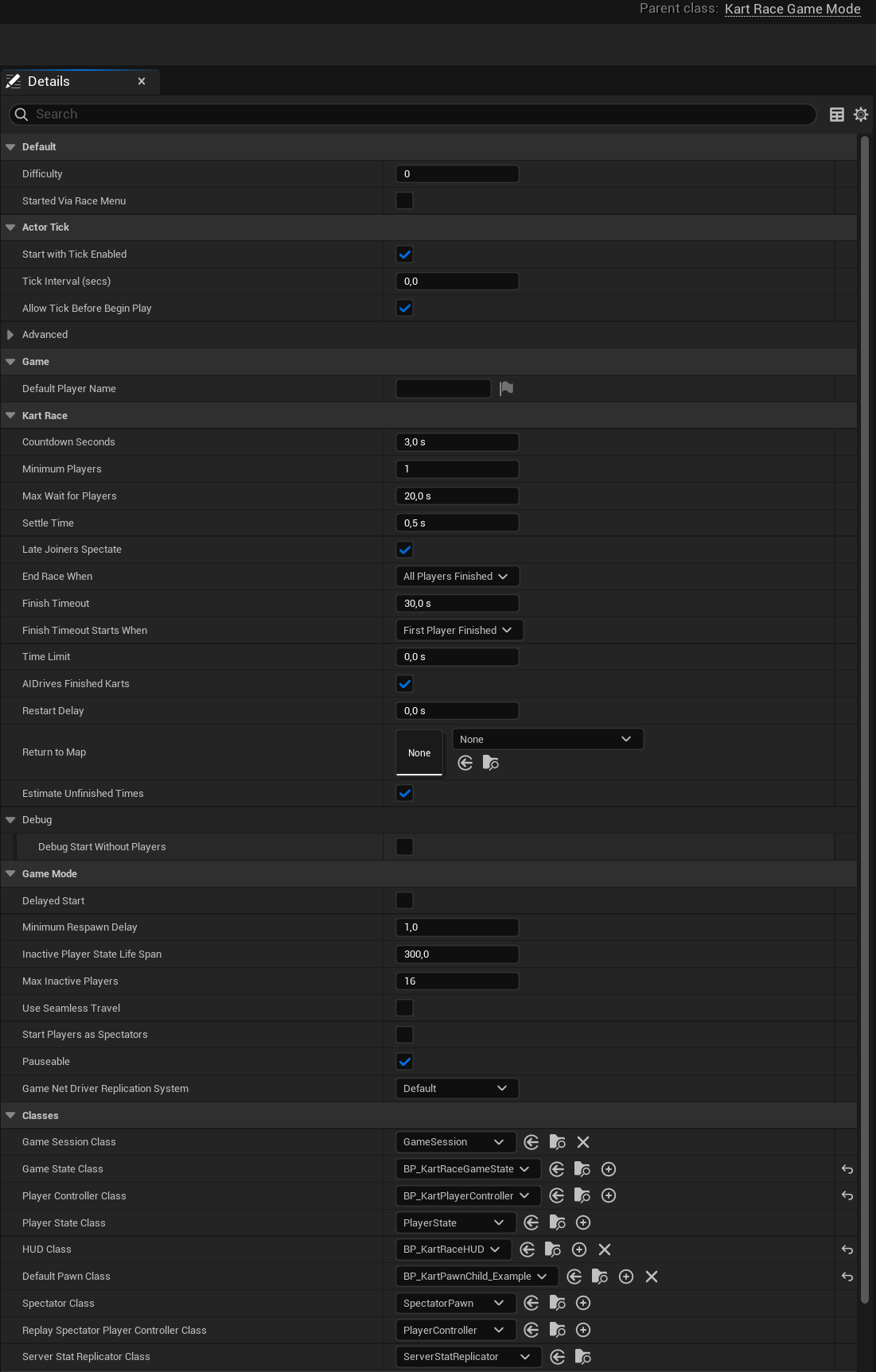
- Create a Blueprint child of Kart Race Game Mode, or start from the example’s
BP_KartGameMode. - In its Class Defaults, set Default Pawn Class to your Kart (
BP_KartPawnby default). - Game State Class is already Kart Race Game State. If you make a Blueprint child of it (like the example’s
BP_KartRaceGameState), set that one here. - Pick the GameMode in World Settings > GameMode Override, or for every map in Project Settings > Maps & Modes > Default GameMode.
- Place a Kart Race Track in the level and build it (see Race track).
The race length and the opponents are set on the track, not on the GameMode:
| Setting | Where |
|---|---|
| Laps | Kart Race Track > Race |
| Spawn AI, AIKart Count | Kart Race Track > AI (see AI opponents) |
Everything else is in the GameMode’s Kart Race category.
What happens in a race
The Race Phase goes through four steps:
- Waiting: players spawn on the grid as they join and can’t drive yet. The race waits for Minimum Players (at most Max Wait For Players seconds), then the AI opponents spawn and every Kart settles on the grid.
- Countdown: lasts Countdown Seconds. At GO, race progress resets and everybody drives.
- Racing: each Kart that completes the track’s Laps gets its result. With AIDrives Finished Karts on, an AI driver takes over a finished player’s Kart and the player watches it. The race ends as set in End Race When (all players, the first Kart or every Kart finished). Finish Timeout can end it earlier, counted from the first finish (Finish Timeout Starts When), and Time Limit caps the whole race.
- Finished: Karts still racing get their current position in the results.
With Laps at 0 nobody finishes, so only Time Limit or a call to End Race ends the race.
Show it in your HUD
The Game State is available on every machine. Get it with Get Game State and cast to Kart Race Game State:
| Value | Use it for |
|---|---|
| Race Phase, On Race Phase Changed | Waiting, Countdown, Racing, Finished |
| Get Countdown Remaining | The 3, 2, 1. Show its Ceil. |
| Players Ready, Players Expected | A “waiting for players” message |
| Results, On Race Results Updated | The results list: Name, Position, Finish Time, Best Lap Time |
Positions and laps while racing come from the track. Call Get Race Track on the Game State, then:
- Get Kart Progress with your Kart: Position, Lap, Checkpoint
- Get Ranking: every Kart, leader first
- Get Race Time
- On Race Progress Updated: a good moment to refresh the HUD
The example’s BP_KartRaceHUD creates WBP_RaceUI, which shows all of this. Copy them as a starting point.
Menus and restarting
- Travel To Race (a static function on Kart Race Game Mode): call it from your lobby or menu on the host. Every connected player travels to the race map, and the race there waits for all of them.
- Restart Race: reloads the level for a new race with every player.
- The example’s race menu starts a race with
ServerTraveland travel options for the AI count, laps and difficulty. See How the example works. - Return To Map: the map every player travels to after the race, for example your lobby. Leave it empty to race again. Restart Delay sets when this happens; at 0 nothing happens until you call Restart Race.
Multiplayer
The race works on a listen server without extra setup. Before the countdown, it waits for every expected player to load and get their Kart, including every window of a multiplayer Play In Editor session. Players who join after the countdown has started watch the race (Late Joiners Spectate). See Multiplayer and Blueprints in multiplayer.
Not using the plugin yet? Get it on Fab.